Sell by the square foot, the roll, or the yard, right on your product page.
Price your products by dimensions. Shoppers enter their measurements, see a live price and exactly how much they need, and add it to cart with confidence. No more guesswork, no more “how many boxes?” emails.
Now on the Shopify App Store. 14-day free trial, no code required.
A real Spark Kit calculator on a sample product page. Type in your own numbers and watch it work.
Shopify sells in fixed sizes. Customers don’t measure that way.
A room is 14 by 11 feet, not six boxes. Spark Kit does the math on your product page, so shoppers buy the right amount the first time and you stop fielding wrong orders and returns.
We read your products. We build the calculators.
Spark Kit suggests the products you sell by size and builds a calculator for each kind, fields and math included. Ask for any change in plain words and check it beside a live preview.
- No formulas to write, and nothing to code
- Templates for flooring, tile, wallpaper, paint, fabric, blinds, banners, and more
- Ask for changes in plain words, any time
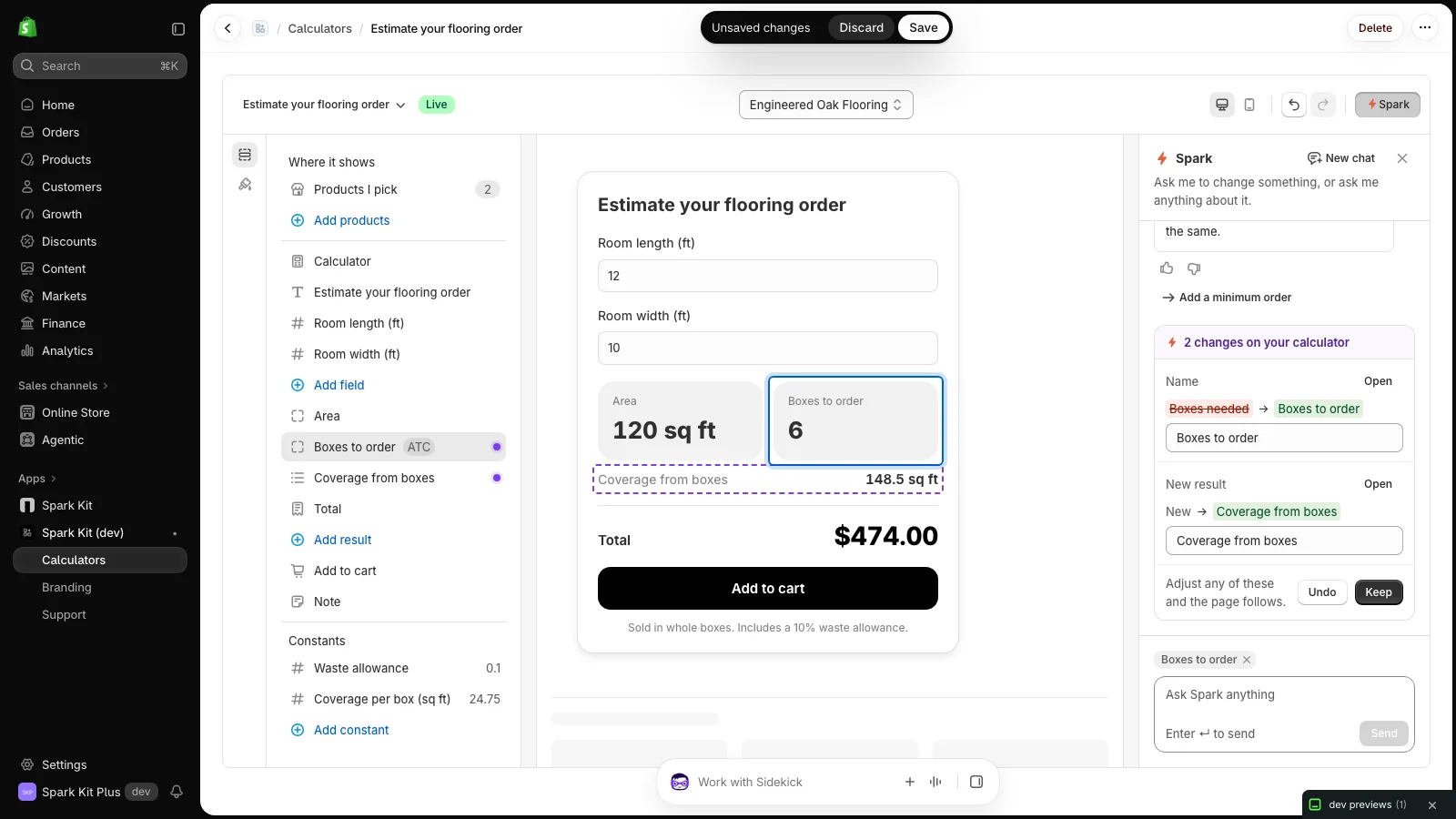
The price they see is the price they pay.
Spark Kit adds the right quantity to the cart, or the exact made-to-measure price, so checkout always matches what the shopper saw. Their measurements ride along on the order.
- Whole boxes, bags, rolls, or cans for products sold by the unit
- An exact price for made to measure and cut to size, on every Shopify plan
- Works with your discounts, taxes, and shipping, nothing to fix by hand
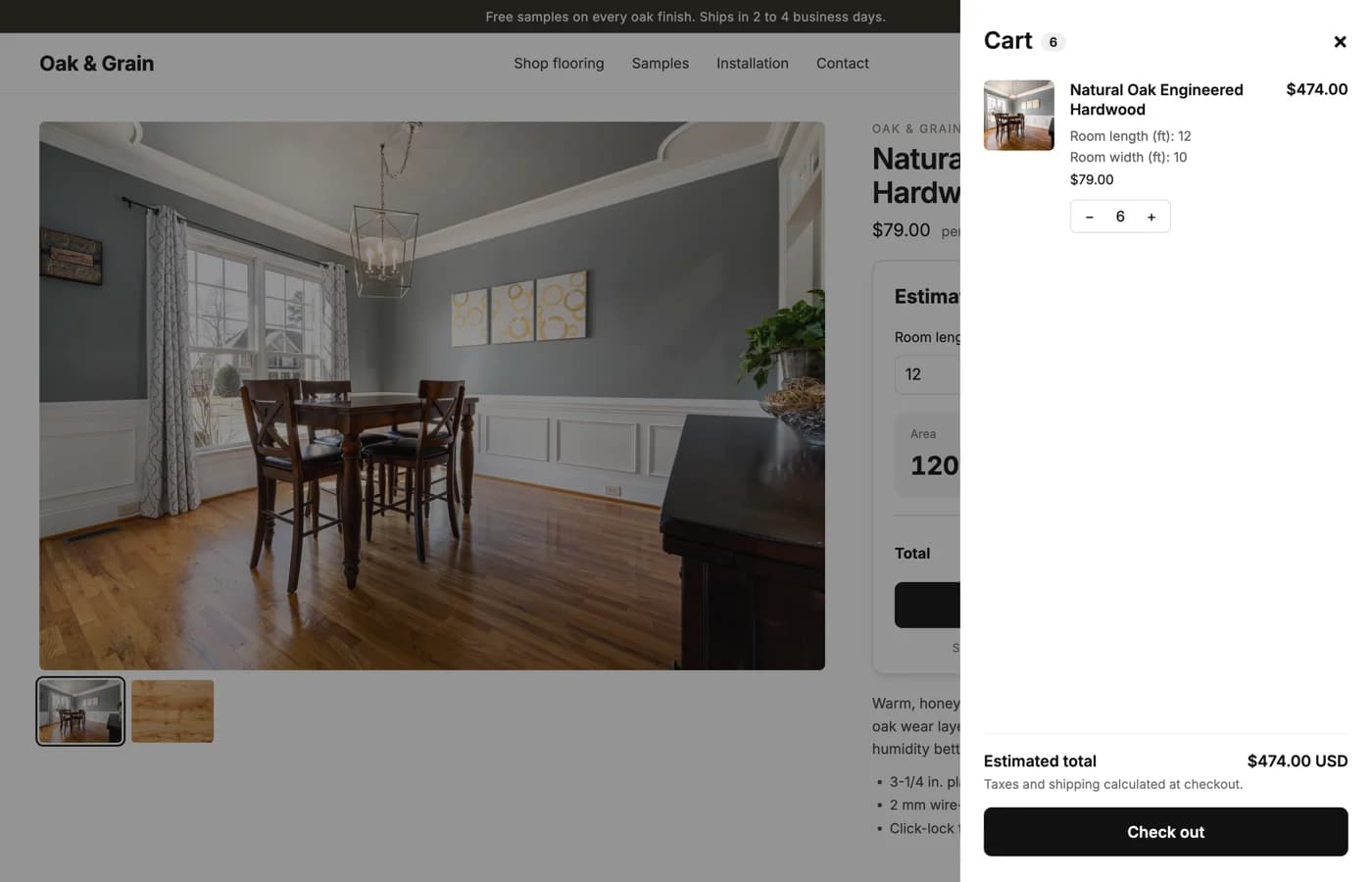
Fits your theme. Works on every phone.
Add the calculator from your theme editor and drop it right where the add to cart button is. It picks up your store's fonts, colors, and buttons, and it can never break your page.
- Placed from the theme editor, no code pasted anywhere
- Matches your fonts, colors, and buttons out of the box
- If anything is ever off it quietly hides instead of showing an error
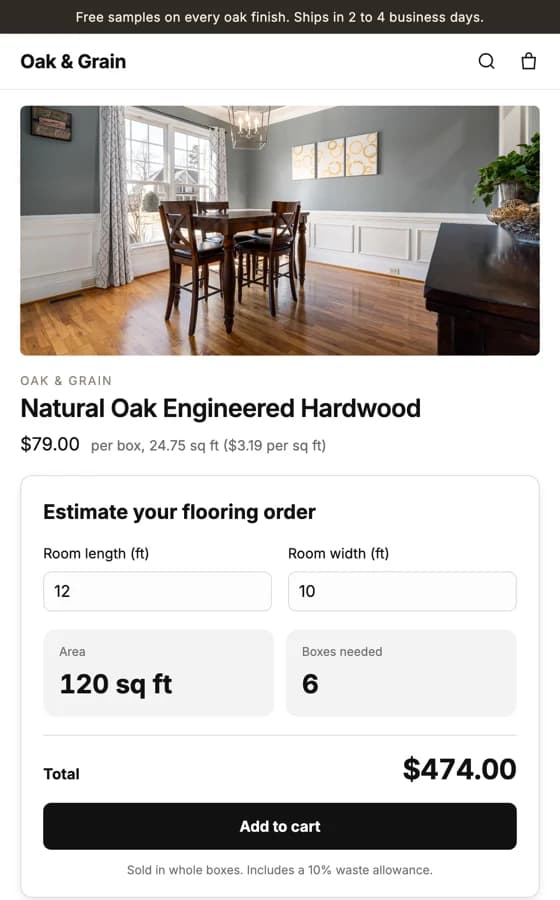
Built for whatever you sell by size.
Anything sold by length, area, volume, or the box. Every tile below is a real calculator you can try.
Flooring
Room length and width
Whole boxesTry it
Tile
Area length and width
Whole boxesTry it
Wallpaper
Wall width and height
Whole rollsTry it
Paint
Area to paint and number of coats
Whole cansTry it
Mulch, soil, and gravel
Length, width, and depth
Whole bagsTry it
Pool and spa
Pool length, width, and average depth
Whole packsTry it
Made-to-measure blinds
Mount type, width, drop, and fabric color
Made to measureTry it
Banners and signs
Width, height, and finishing
Made to measureTry it
Fabric by the yard
Length in yards
By the yardTry it
Personalization and add-ons
Engraving, gift box, express
Per itemTry it
Anything made to order
Length, width, and three choices
Made to measureTry it
- Something else?If you can write the rule, Spark Kit can price it.
Live on your store in an afternoon.
Install it, set up your calculator, and place it on your product page. No code, no developer, no waiting on a build.
- 01
Add it from the App Store
Install Spark Kit on your Shopify store and start your free trial. Everything runs inside your Shopify admin, nothing else to host or maintain.
- 02
Build your calculator
Spark Kit reads your products and builds a calculator for each kind you sell by size. Ask for any change in plain words and check it in a live preview.
- 03
Place it and go live
Drop the calculator onto your product page in the theme editor. Shoppers enter their dimensions, see a live price, and add the right amount to cart.
Simple pricing, no surprises.
One flat plan with everything in it, billed through Shopify alongside your store. Try it free before you pay a cent.
- Unlimited calculators, on as many products as you like
- Whole boxes, made to measure, or by the yard
- Calculators built from the products you already sell
- A live preview editor, no code
- Measurements saved on every order
- Help from a real person
Questions about billing? Read the pricing details.
Start selling by measurement on Shopify.
Add Spark Kit to your store and set up your first calculator in minutes. Free trial, no code required.