Everything you need to price by size.
Spark Kit turns a shopper's measurements into a quantity and a price, right on the product page, and carries that price through to checkout. Here is what that involves.
Describe it, and the calculator writes itself.
Tell Spark Kit what you sell, how shoppers measure it, and how you charge. It builds the fields and the math for you. You can also start from a template for your trade, or from a blank.
- Plain questions, no formulas
- Templates for flooring, tile, wallpaper, paint, fabric, blinds, banners, bulk material, pool, and add-ons
- Ask for a change in plain English and it is applied for you
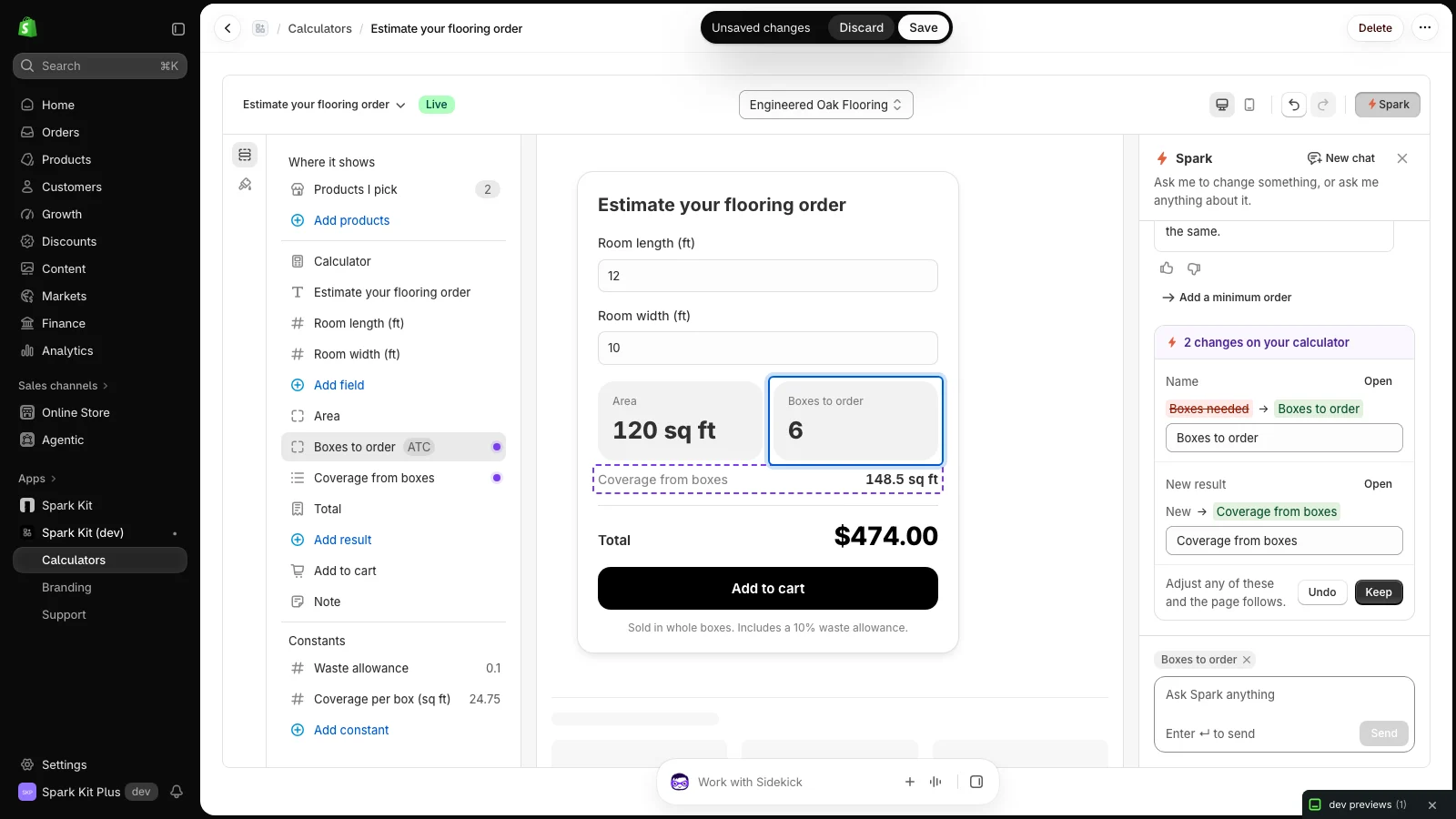
Sell by the box, or made to measure.
Products sold by the unit round up to whole boxes, bags, rolls, or cans over what one unit covers. Products priced on the exact size get a price from your own formula, and checkout charges exactly that.
- Whole units with a waste allowance, using your product price
- Made to measure and cut to size, on every Shopify plan
- By the yard or metre, with each product keeping its own rate
- Add-ons and personalization on top of the product price
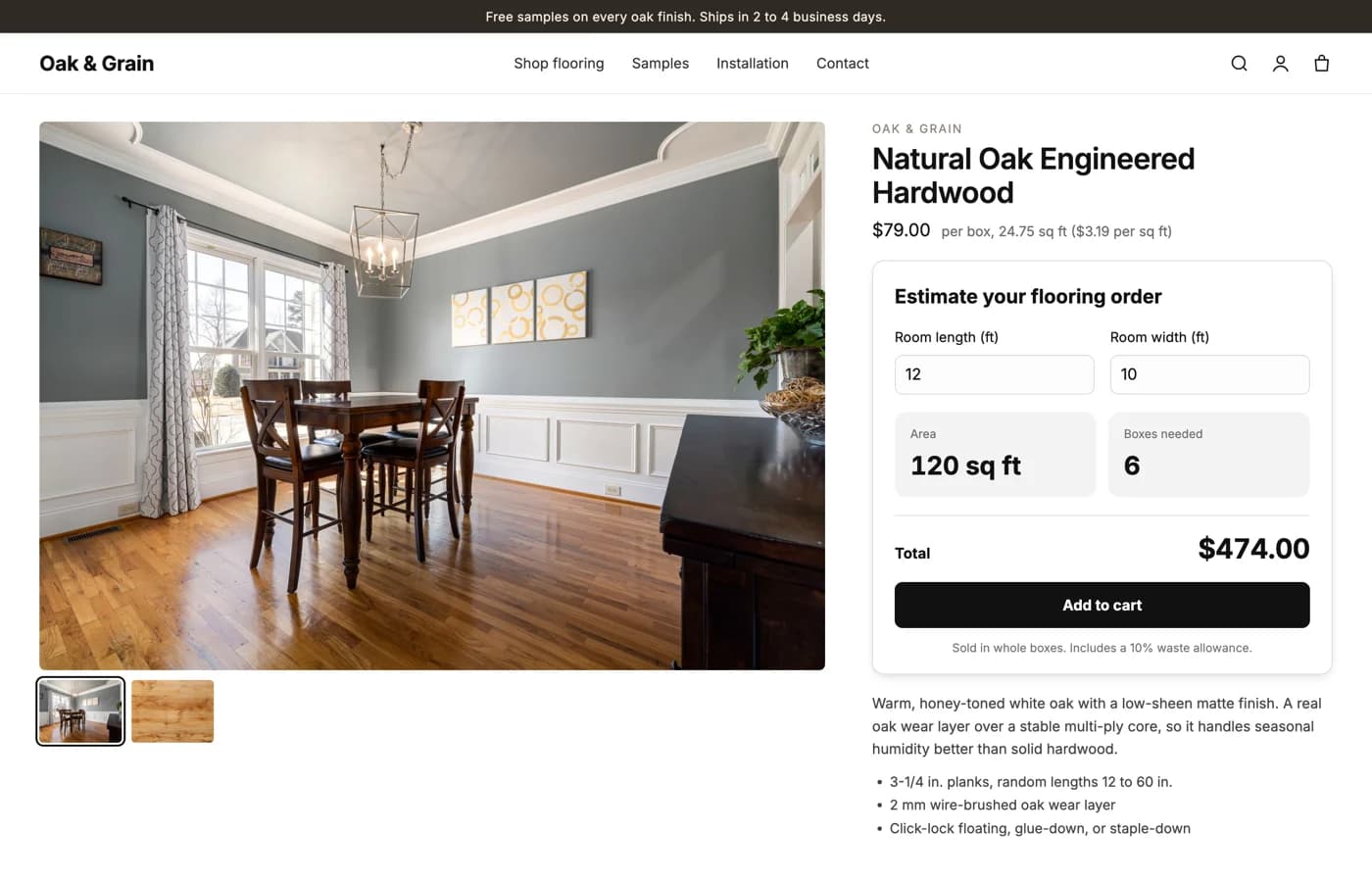
The price they see is the price they pay.
Spark Kit never keeps a copy of your prices. It reads the product price Shopify already has, so the total on the page is the total at checkout, and it changes the moment you change the product.
- The right quantity goes into the cart, at your product price
- Made-to-measure lines are priced at checkout by Shopify, not by a workaround
- Every measurement and choice is saved on the order line
- Works with your discounts, taxes, and shipping
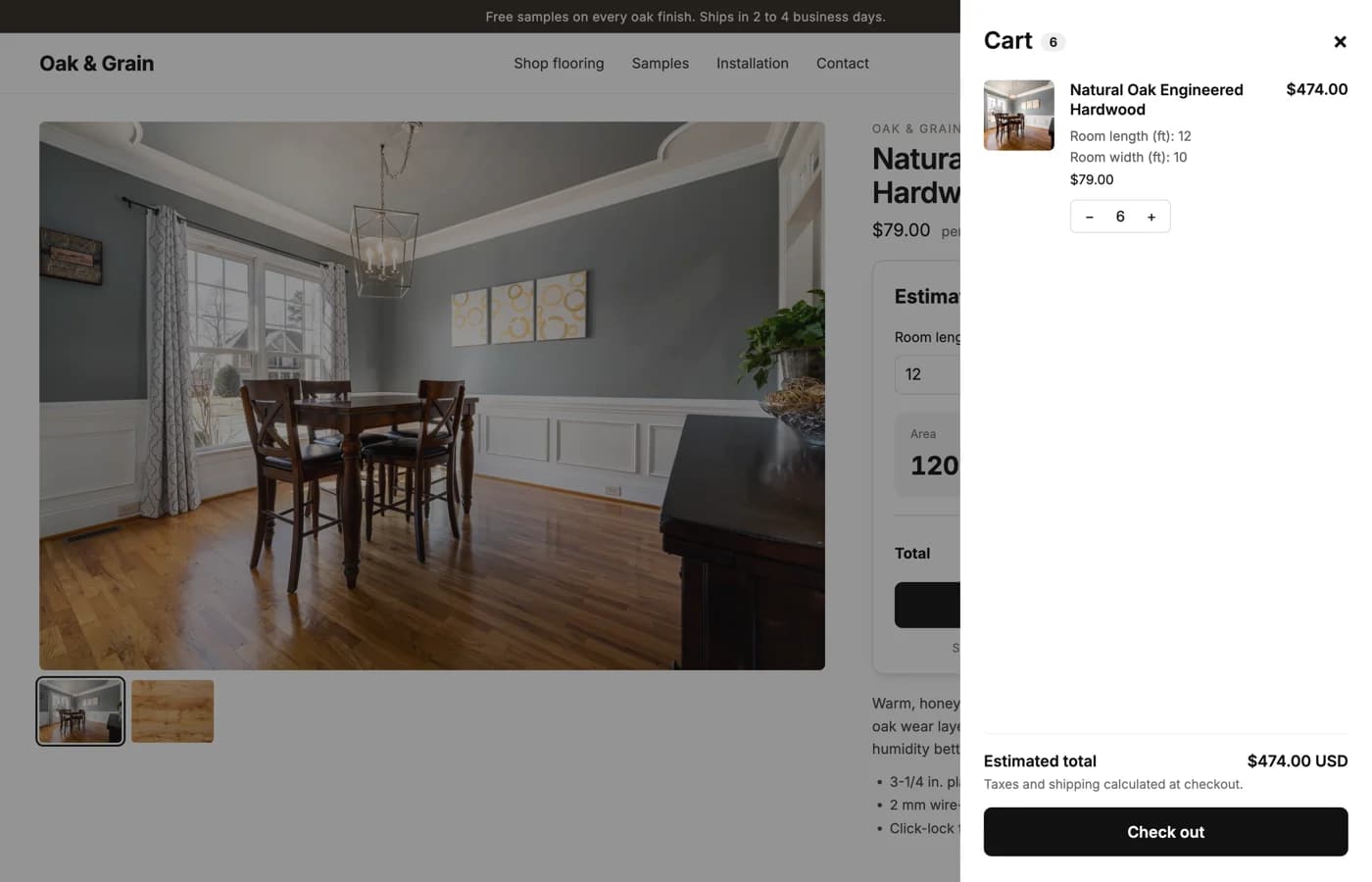
Looks like your store, and never breaks it.
Place the calculator from your theme editor, on the product page where the add to cart button already is. It takes your theme's fonts, colors, and buttons, and you can adjust the look if you want to.
- Added from the theme editor, nothing pasted into your theme
- Works with any current Shopify theme
- Responsive on phones, tablets, and desktops
- If a calculator is ever misconfigured, it hides rather than shows an error
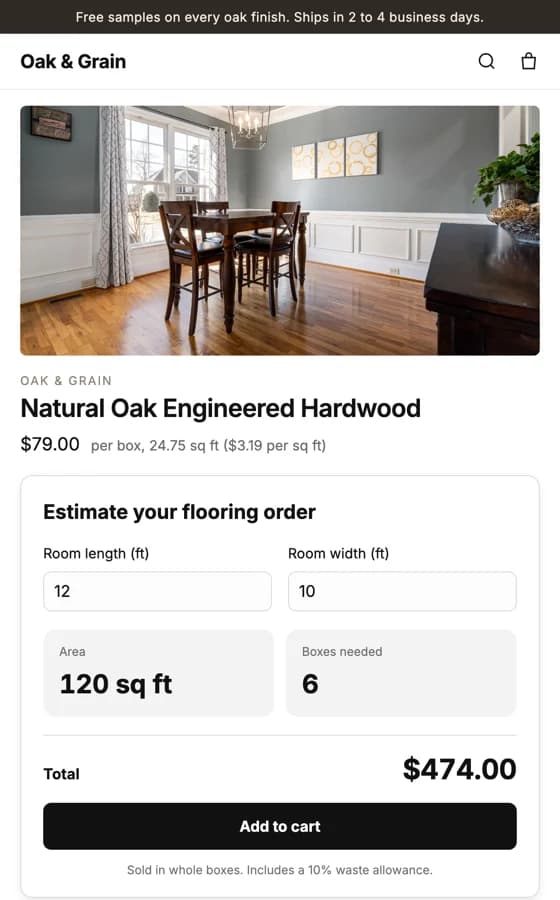
The pieces every calculator is made of.
Mix them however your product needs. Every one is set up in the editor beside a live preview.
Number field
A length, a width, a depth, a quantity. Any unit you like.
Slider
A number with a range, for sizes that have a minimum and a maximum.
Choice buttons
One of a few options, side by side. Mount type, coats, thickness.
Color swatches
Each option as a color tile. Fabric, stain, finish.
Dropdown
One of many options. Wood species, fabric weight, finish.
Checkbox
An extra with a price. Hemmed edges, grommets, a gift box.
Result tile
A number worked out from the fields. Area, boxes needed, rolls.
Hidden step
A working figure the shopper never sees. Strips per roll, resin volume.
Show when
A field or result that only appears for a given choice.
Total
The headline price, and the quantity that goes into the cart.
Many products, many calculators.
Set one calculator as the default for the whole store, then give particular products their own. Each product page shows the right one on its own.
One default for everything
Put a calculator on every product at once, then take it off the few that do not need one.
A calculator per product or group
Different box sizes, different units, different rules. Pick which products each one is for.
Change it any time
Edit a rate, rename a field, or add an option, and the product page updates with you.
Start selling by measurement on Shopify.
Add Spark Kit to your store and set up your first calculator in minutes. Free trial, no code required.